Go to line
| Payment Channels | Fees |
The Siam Commercial Bank (SCB)
| None |
| Krungthai Bank (KTB) Company Code: 5778 | 10 / 15 Baht |
| True Money | 10 Baht |
| Counter Service in 7-Eleven | 15 Baht |
| mPAY Station, Telewiz and AIS | 15 Baht |
| any Lotus’s and Lotus’s go fresh branches | 10 Baht |
| any Big C and mini Big C branches | None |
| Other banks / service providers providing cross-bank payment service Biller ID: 010556416158001 | no more than 5 Baht/Time for electronic channels |
Remark: Fees and maximum payment limits are subject to the terms and conditions of each participating bank or payment service provider.
The CardX App allows you to conveniently check your outstanding balance, minimum payment amount, and payment due date, as well as make payments directly through the app. Manage your CardX credit card and loan accounts all in one place.
1. Open the CardX App.
2. Select the credit card or loan account you want to review.
3. Check your outstanding balance, minimum payment amount, and payment due date.
4. Tap Pay.
5. Choose your preferred payment method: Barcode/QR Code or SCB EASY App.
6. Select the payment amount, such as Full Payment, Minimum Payment, or enter a custom amount.
7. Review the payment details carefully.
8. Confirm the payment and keep the transaction record for future reference.
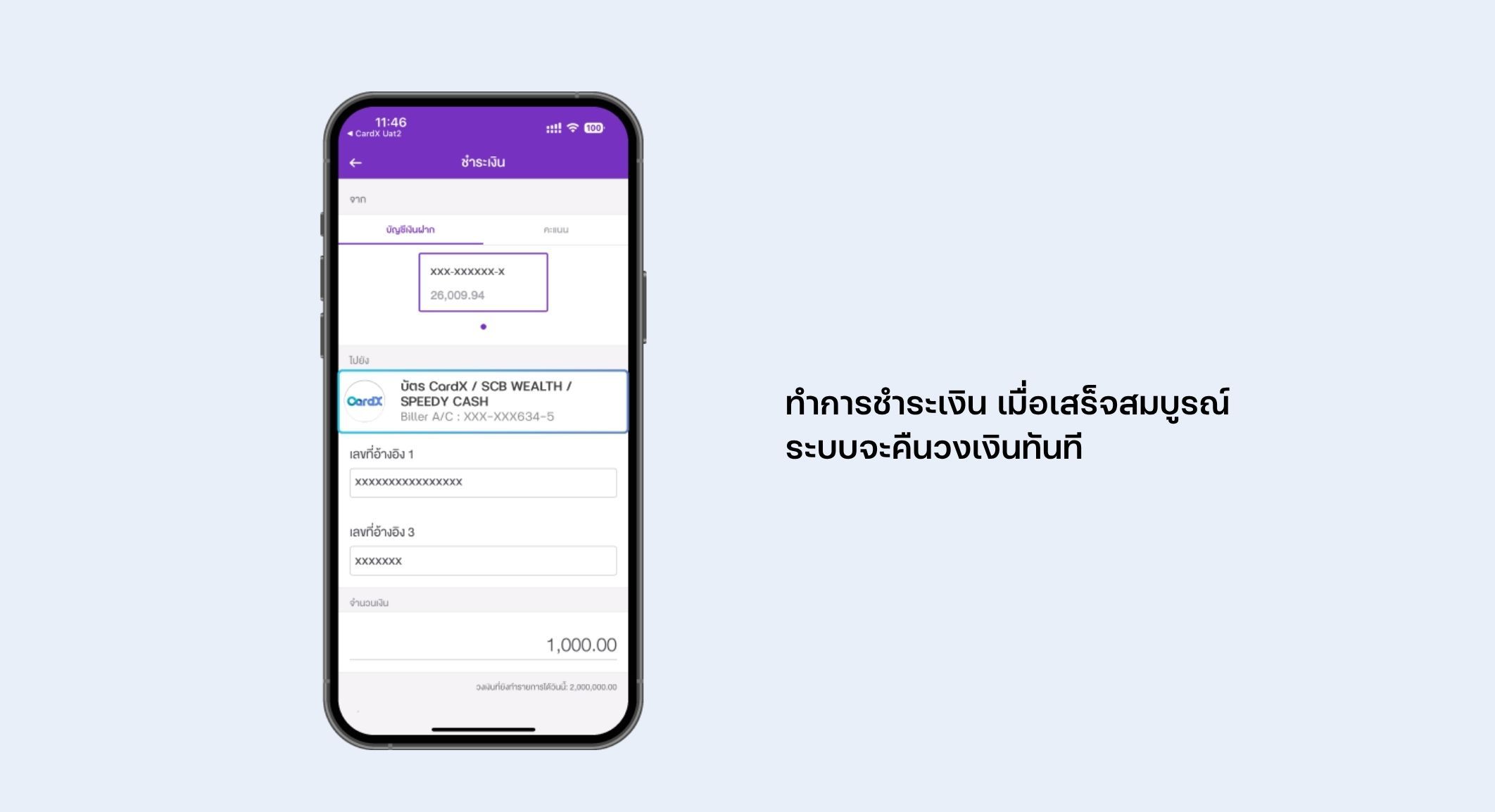
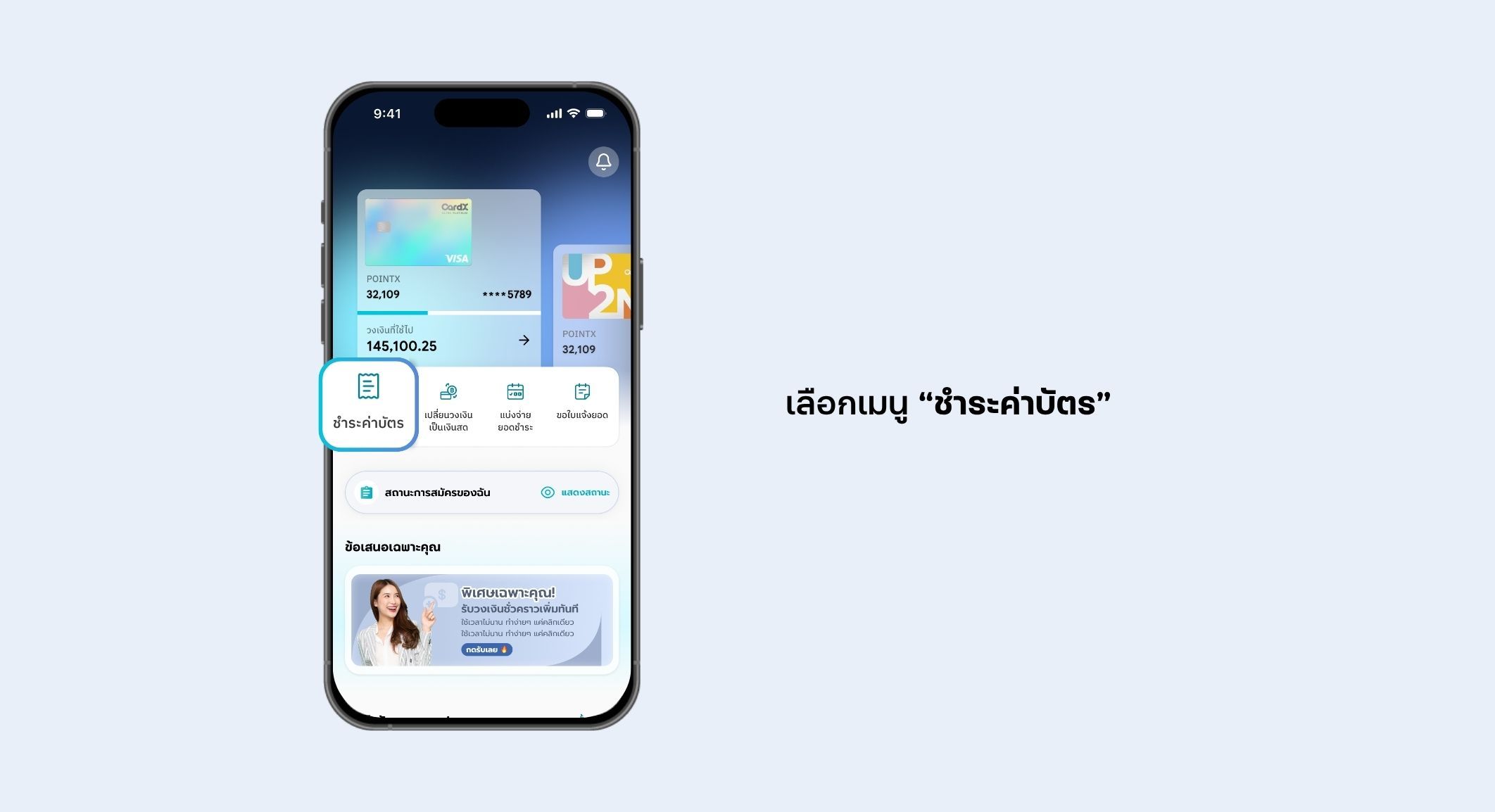
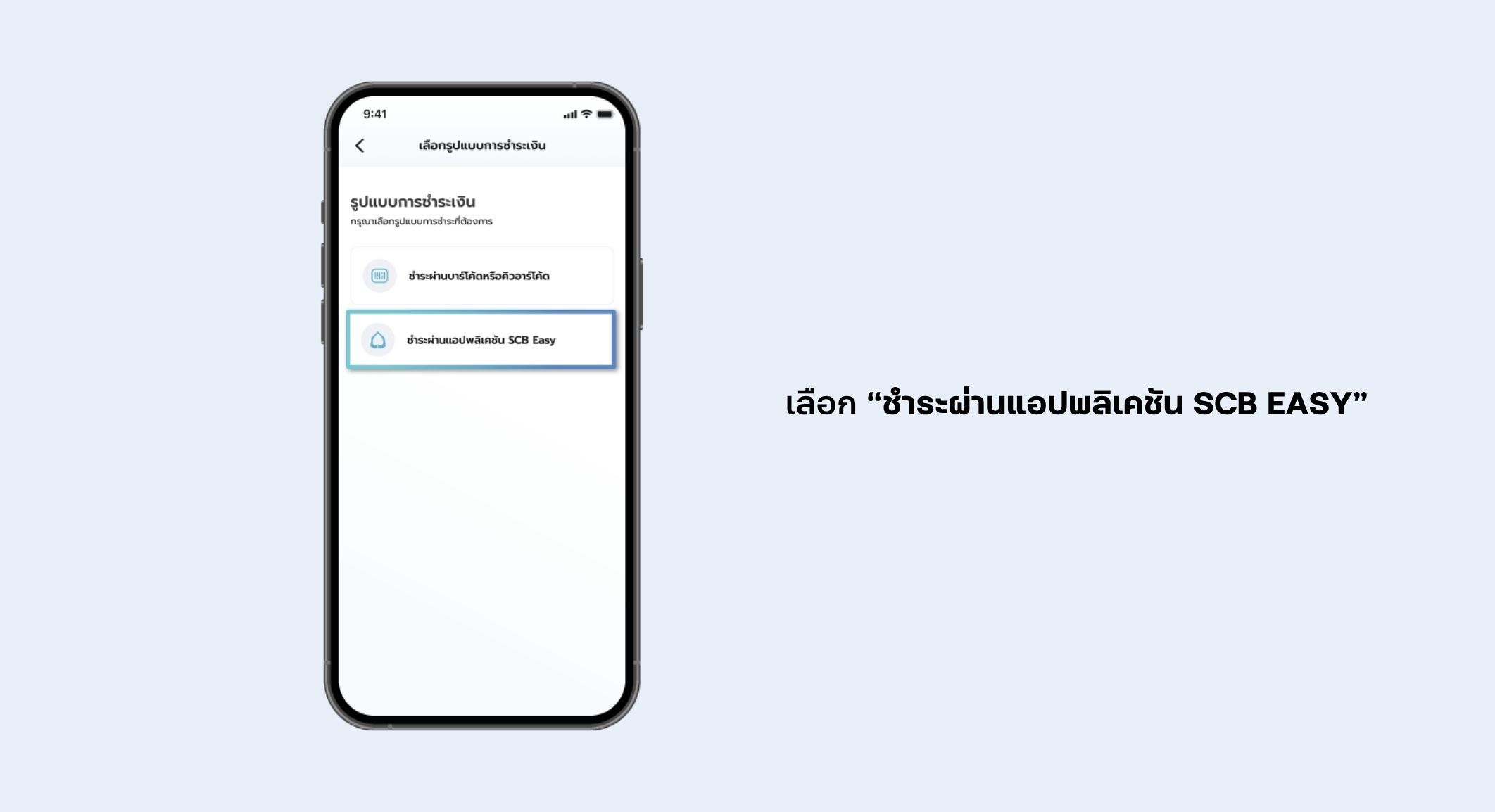
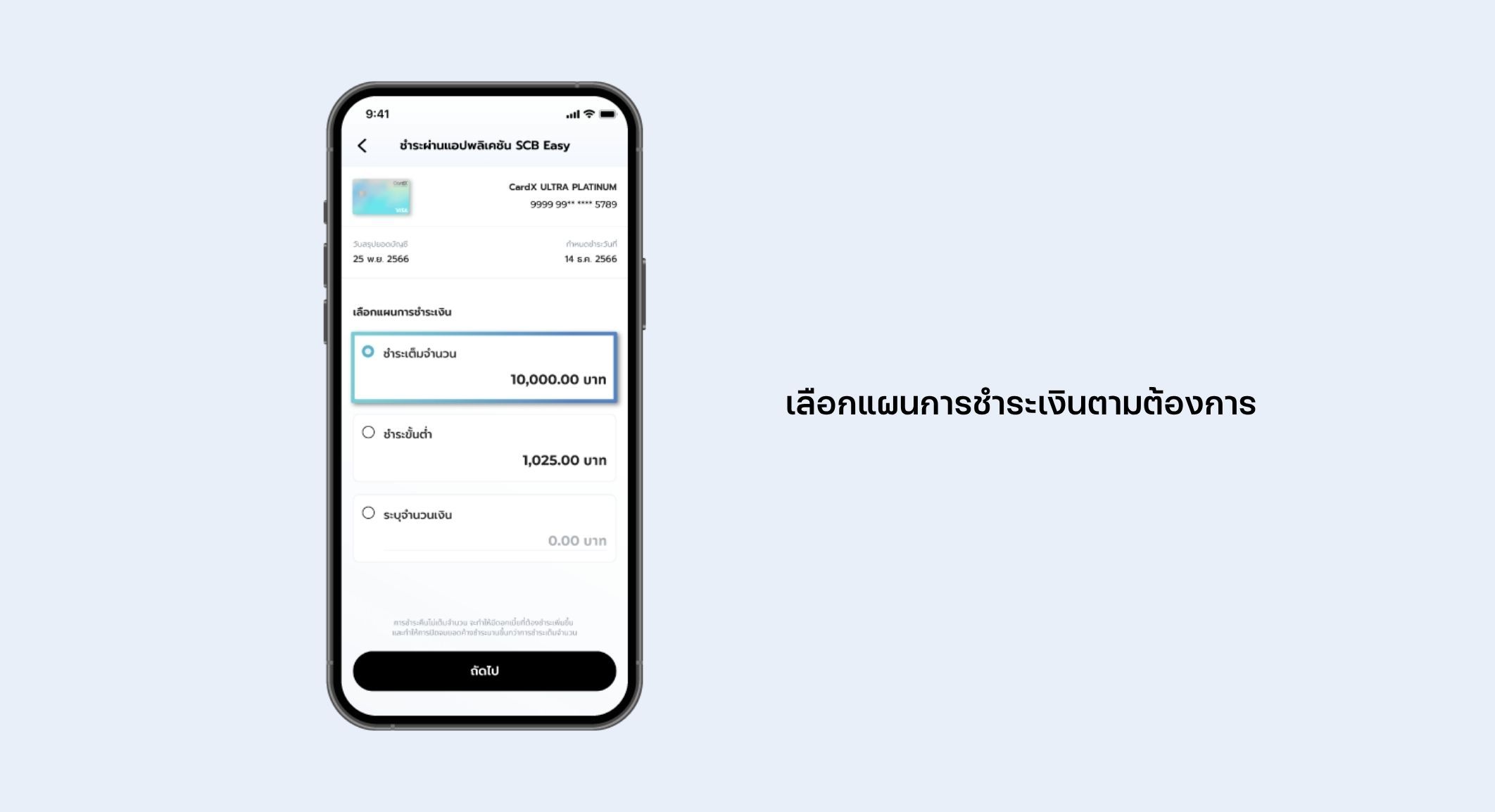
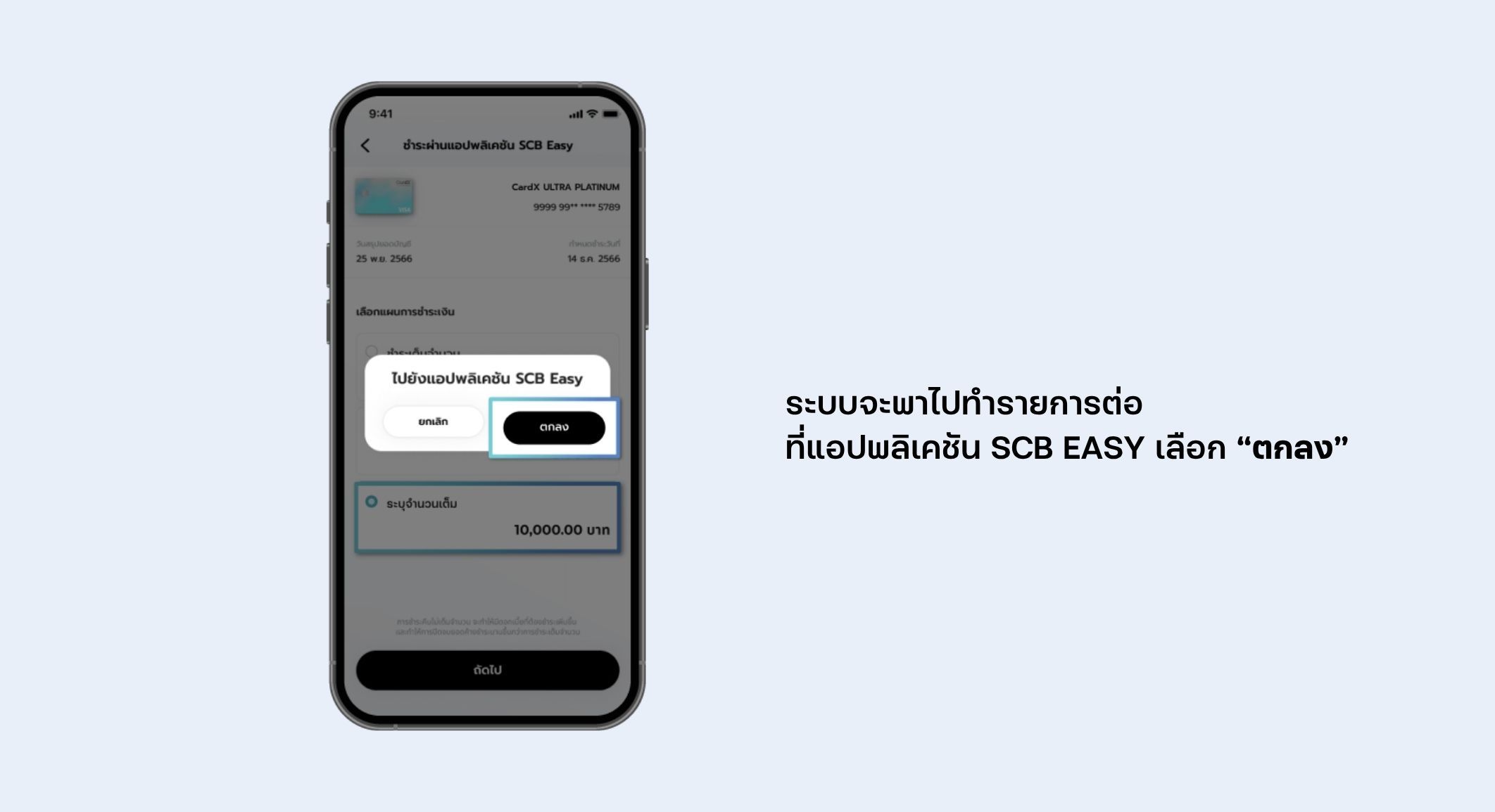
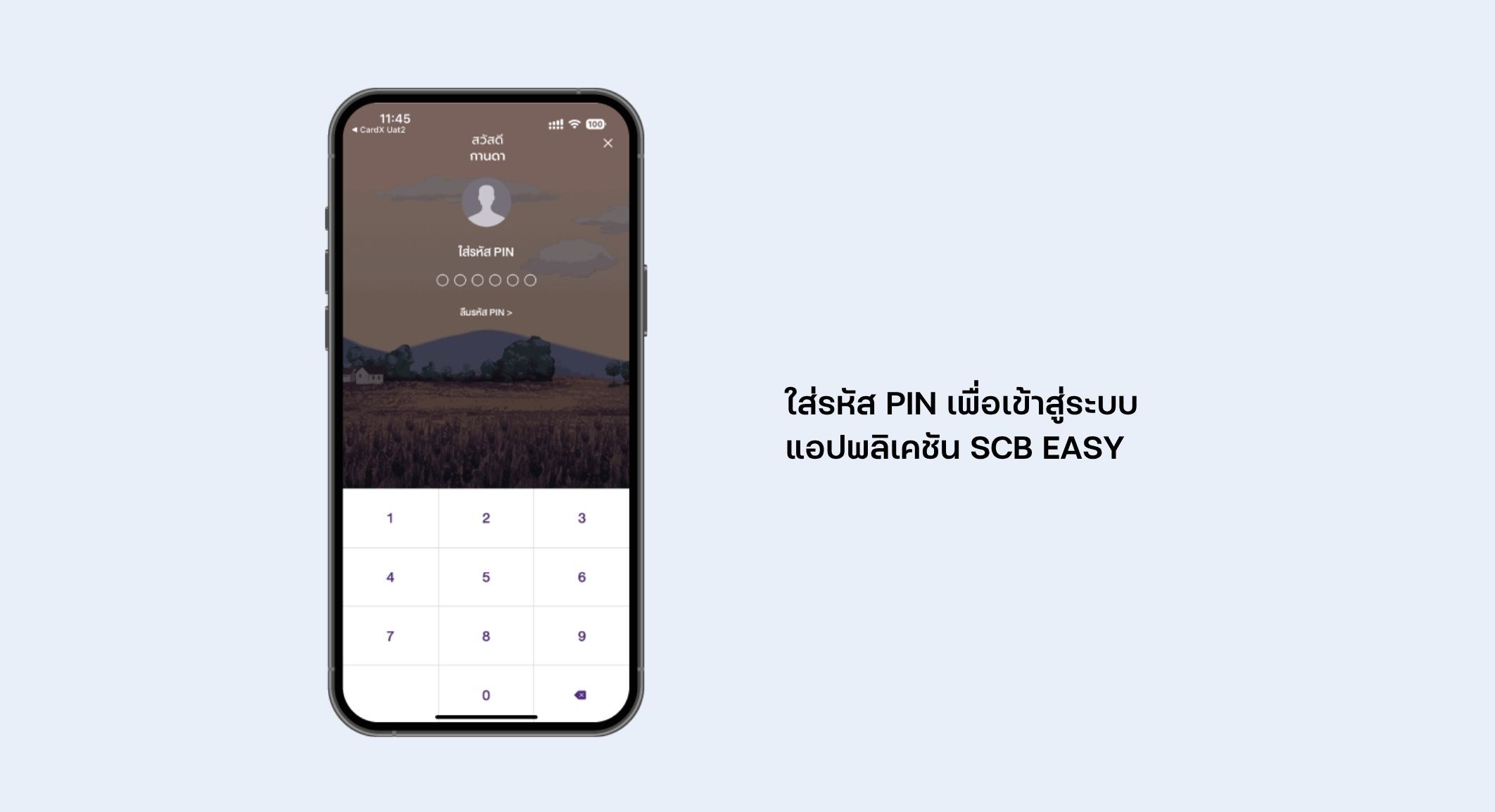
You can check your CardX bill, minimum payment amount, and payment due date through the CardX App. Simply select the credit card or loan account you would like to review, and the app will display the payment details for that product.
Yes. You can pay CardX credit card and loan bills through the CardX App. Select the product you would like to pay for, review the bill details, and tap Pay to continue.
CardX bills can be paid through multiple channels, including: SCB EASY App, SCB ATM/CDM, SCB Direct Debit, SCB Counter SCB Cheque, Krungthai Bank, TrueMoney, Counter Service at 7-Eleven, mPAY Station, Telewiz, AIS Shops, Lotus's and Lotus's go fresh, Big C and mini Big C and Other participating banks that support bill payment services.
No. There is no service fee when making CardX bill payments through the SCB EASY App, SCB ATM, or SCB CDM.
Use Biller ID: 010556416158001.
Payee Name: Card X Company Limited
Please enter the reference number shown on your billing statement or payment slip when making a payment.
Fees vary depending on the payment channel. Examples include:
TrueMoney: THB 10 per transaction
Counter Service at 7-Eleven: THB 15 per transaction
Lotus's / Lotus's go fresh: THB 10 per transaction
Other banks' electronic payment channels: up to THB 5 per transaction
Fees are subject to the terms and conditions of each service provider.
You can use the barcode or QR code on your billing statement to make a payment. Barcodes and QR codes can also be downloaded through the CardX App.
Alternatively, you may use the payment information shown on the billing statement, such as: Card number, Reference number,
Payment amount etc. to complete your bill payment through supported payment channels.